CCB2026 wp
by cha
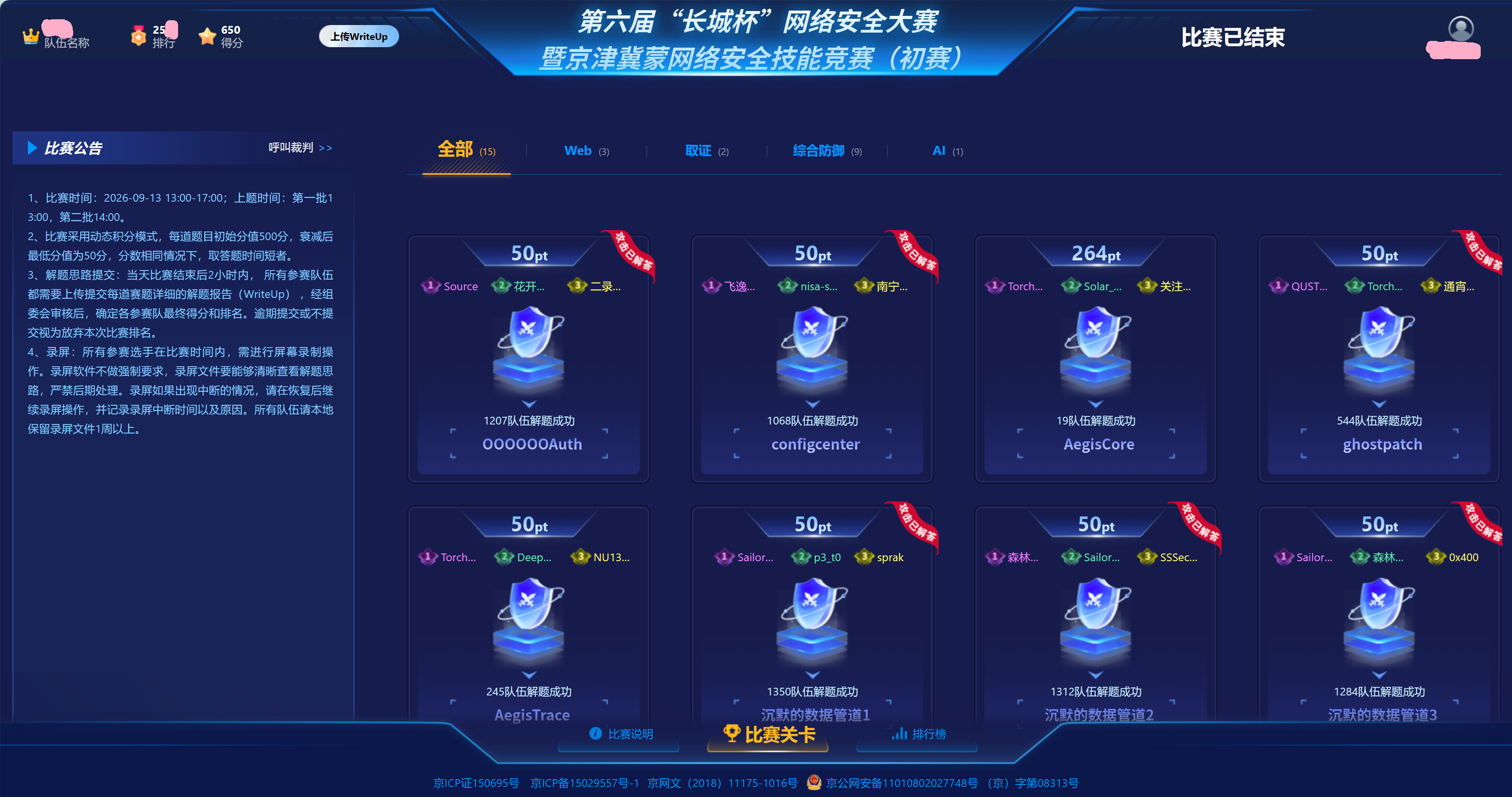
感谢带飞的两位师傅
主要完成的工作就是取证1的前半部分,虽然题出的不咋地但是还是能学到点知识的。就附这个题的wp了
GhostPatch
观察流量可以发现主要存在 8888 和 9999 两个服务端口。
过滤:
追踪 TCP 流,可以看到 FGT/0.9 明文协议,其中泄露了新版 FGT/1.0 的协议说明。关键信息如下:
1
2
3
4
5
6
7
8
9
10
11
12
13
14
15
16
17
18
| FGT/1.0 (port 9999)
shared = B^a = A^b mod p
K = SHA-256(shared)[:16]
RC4 with K, one independent stream per direction
frame:
[u16be length][rc4(frame)]
01 GET
02 META
03 DATA
04 END
06 LIST
07 SHELL
09 CIN
0A COUT
|
因此后续重点分析 9999。
过滤:
追踪 TCP 流,握手部分为明文:
1
2
3
| FGT/1.0 READY p=8348d41a7225 g=5
FGT/1.0 HELLO 3709a1d52d1d
FGT/1.0 OK d90673c26b
|
得到:
1
2
3
4
| p = 0x8348d41a7225
g = 5
A = 0x3709a1d52d1d
B = 0xd90673c26b
|
破解 DH
p 很小,且:
1
2
| p - 1
= 2^2 × 3 × 41 × 71 × 73 × 79 × 83 × 89 × 97
|
p-1 为光滑数,可以直接求离散对数:
1
2
3
4
5
6
7
8
9
10
11
12
13
14
15
16
17
18
19
| from sympy import discrete_log
import hashlib
p = 0x8348d41a7225
g = 5
A = 0x3709a1d52d1d
B = 0xd90673c26b
a = discrete_log(p, A, g)
shared = pow(B, a, p)
shared_bytes = shared.to_bytes(
(shared.bit_length() + 7) // 8, "big"
)
key = hashlib.sha256(shared_bytes).digest()[:16]
print("a =", a)
print("shared =", hex(shared))
print("key =", key.hex())
|
得到:
1
2
3
| a = 8357903120266
shared = 0x75901cbea117
key = b75ad015fa6436b6dd6479dcb9c660b4
|
RC4 解密
协议注明:
1
| RC4 with K, one independent stream per direction
|
因此 Client → Server 和 Server → Client 必须分别维护 RC4 状态。
在 Wireshark 的 Follow TCP Stream 中分别导出两个方向的 Raw 数据,例如:
握手明文结束后的帧格式为:
1
| [u16be length][RC4 ciphertext]
|
标准 RC4:
1
2
3
4
5
6
7
8
9
10
11
12
13
14
15
16
17
18
19
20
21
22
23
24
25
26
27
28
29
30
31
32
33
34
35
36
37
38
39
40
41
42
43
| class RC4:
def __init__(self, key):
self.S = list(range(256))
j = 0
for i in range(256):
j = (j + self.S[i] + key[i % len(key)]) & 0xff
self.S[i], self.S[j] = self.S[j], self.S[i]
self.i = 0
self.j = 0
def crypt(self, data):
out = bytearray()
for x in data:
self.i = (self.i + 1) & 0xff
self.j = (self.j + self.S[self.i]) & 0xff
self.S[self.i], self.S[self.j] = \
self.S[self.j], self.S[self.i]
k = self.S[
(self.S[self.i] + self.S[self.j]) & 0xff
]
out.append(x ^ k)
return bytes(out)
def decrypt_frames(data, offset, key):
rc4 = RC4(key)
frames = []
while offset + 2 <= len(data):
length = int.from_bytes(data[offset:offset + 2], "big")
offset += 2
ciphertext = data[offset:offset + length]
offset += length
frames.append(rc4.crypt(ciphertext))
return frames
|
注意:同一方向的所有 frame 共用一个 RC4 状态,不能逐帧重新初始化。
解密客户端请求后,可以看到:
1
2
3
4
5
6
7
8
| LIST
GET notes.txt
GET checksum.txt
GET fw_v2.bin
GET libc.so.6
GET ld-linux-x86-64.so.2
SHELL
...
|
由此确认需要恢复:
1
2
3
4
5
| notes.txt
checksum.txt
fw_v2.bin
libc.so.6
ld-linux-x86-64.so.2
|
文件重组
服务端文件传输使用:
结构如下:
1
2
3
4
5
6
7
8
9
10
11
12
13
14
15
16
| META:
01 byte type
08 bytes file size
32 bytes SHA-256
02 bytes filename length
N bytes filename
DATA:
01 byte type
04 bytes sequence number
04 bytes data length
N bytes data
END:
01 byte type
32 bytes SHA-256
|
DATA 帧并不保证按顺序出现,因此必须根据 sequence number 重排。
恢复逻辑:
1
2
3
4
5
6
7
8
9
10
11
12
13
14
15
16
17
18
19
20
21
22
23
24
25
26
27
28
29
30
31
32
33
34
35
36
37
38
39
40
41
| import hashlib
current = None
for frame in frames:
t = frame[0]
if t == 0x02:
size = int.from_bytes(frame[1:9], "big")
sha256 = frame[9:41]
name_len = int.from_bytes(frame[41:43], "big")
name = frame[43:43 + name_len].decode()
current = {
"name": name,
"size": size,
"sha256": sha256,
"chunks": {}
}
elif t == 0x03 and current:
seq = int.from_bytes(frame[1:5], "big")
length = int.from_bytes(frame[5:9], "big")
current["chunks"][seq] = frame[9:9 + length]
elif t == 0x04 and current:
data = b"".join(
current["chunks"][i]
for i in sorted(current["chunks"])
)
data = data[:current["size"]]
assert hashlib.sha256(data).digest() == current["sha256"]
with open(current["name"], "wb") as f:
f.write(data)
print("[+] recovered:", current["name"])
current = None
|
最终成功恢复:
1
2
3
4
5
| notes.txt
checksum.txt
fw_v2.bin
libc.so.6
ld-linux-x86-64.so.2
|
恢复出的主要文件 SHA-256 为:
1
2
3
4
5
6
7
8
9
10
11
| fw_v2.bin
0f9b3ce7363a988f72dc46812d21d061123045f3521e12289c12fc7405c9629c
libc.so.6
8db37cf3f2169f59a0f07ef1fea308c35656668c64c8ff294e1860f4121eb161
ld-linux-x86-64.so.2
cd4df4f3c7b83673d61189bf2eaebd33ca4f2853ab9772b8a25e025ef99b1e81
notes.txt
d2e5441746107d0fd94a3638e1a016fac62be82874f781069548033eda5dfa36
|
至此完成加密流量解密及文件恢复。